

Nowadays in the fast moving world business also plays a important role in everyone’s life. So doing online business is not familiar to many of the people but online shopping mostly everyone is familiar. Like online shopping online business is emerging a little by little so here nob contracting is also an business app for building construction and building maintenance. So nowadays most of the people wants to build a house with all facilities and the house should be a dream so to fulfil their wish this app was useful. So for using this app you have to follow some instructions those who are not familiar you can use this support page.
Step1: Open Playstore in your mobile and then install nob contracting app.
Step2: When you open this app in your mobile homepage will be there so in the homepage first you have to signup for signing up you have to enter your personal information mail id phone number.
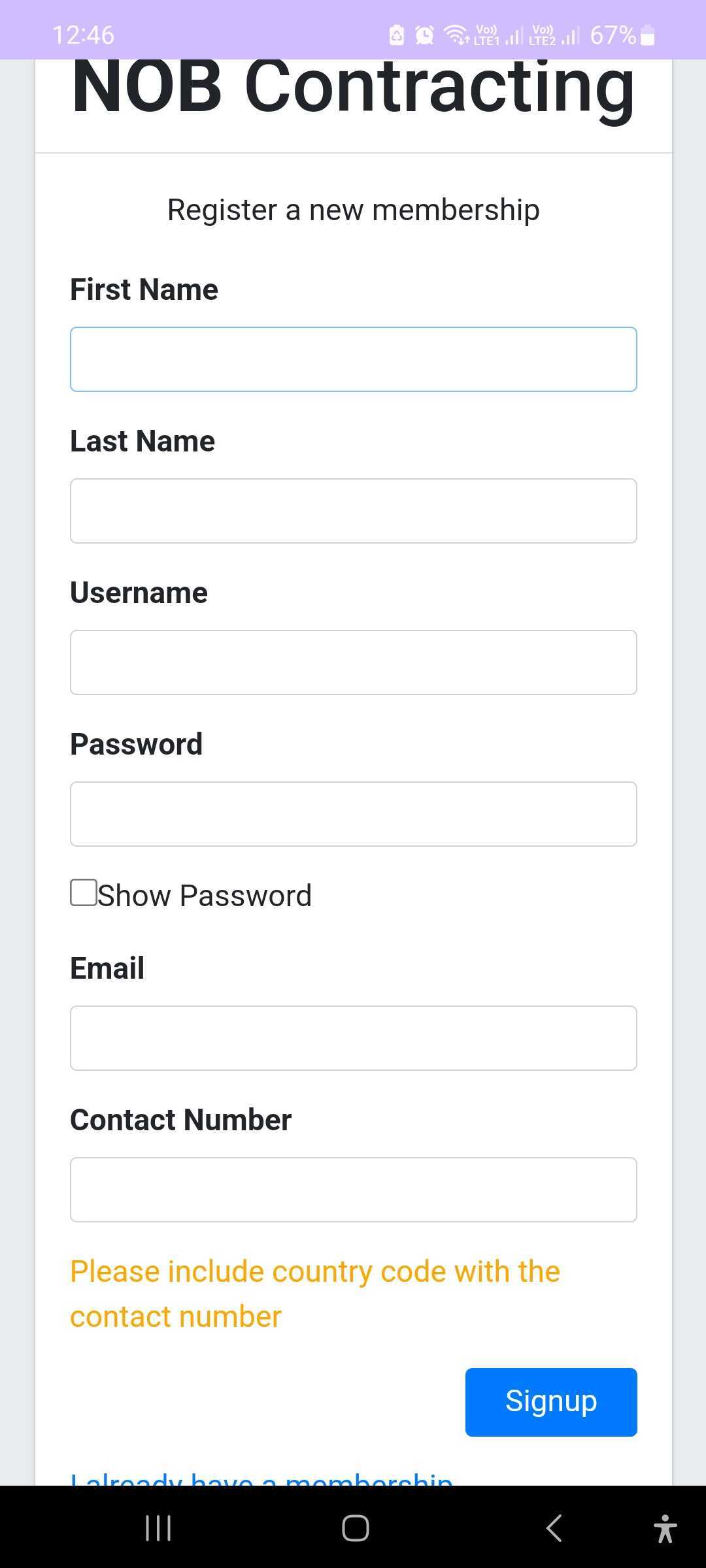
Step3: After entering these details you have to sign up and then that page will lead to login page. You have to enter your Username and Password to log into the app.
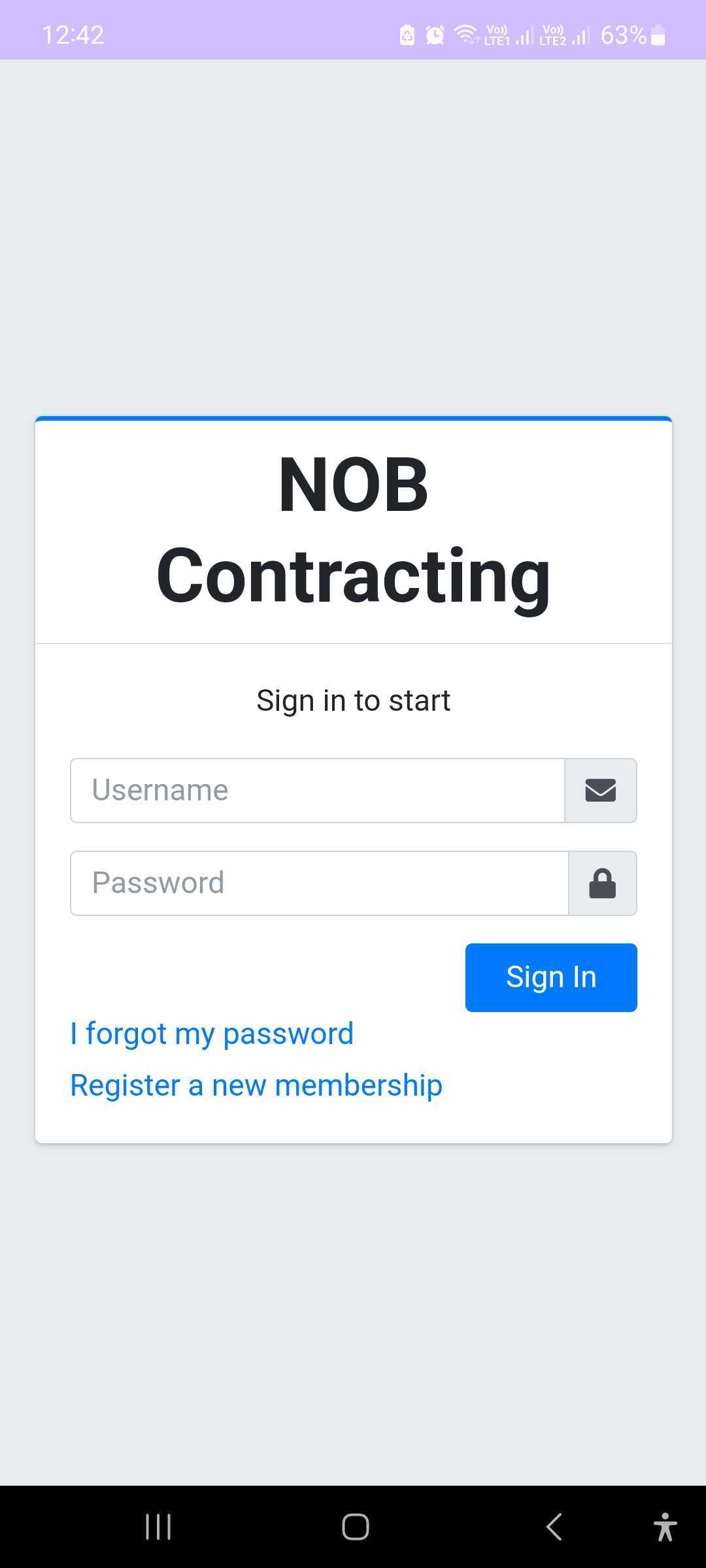
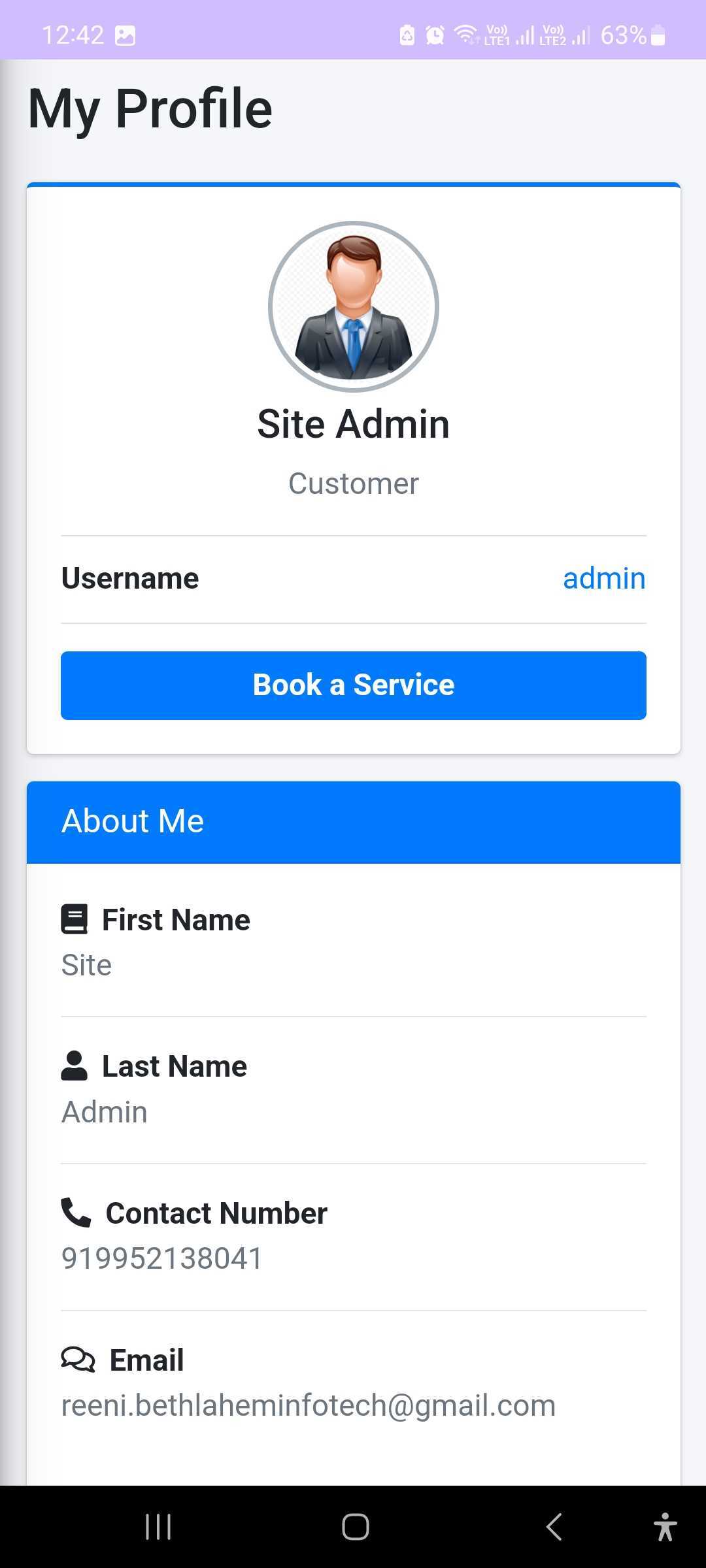
Step 4: After entering the login page many options will be there book a service inside that my bookings my profile page will be there.
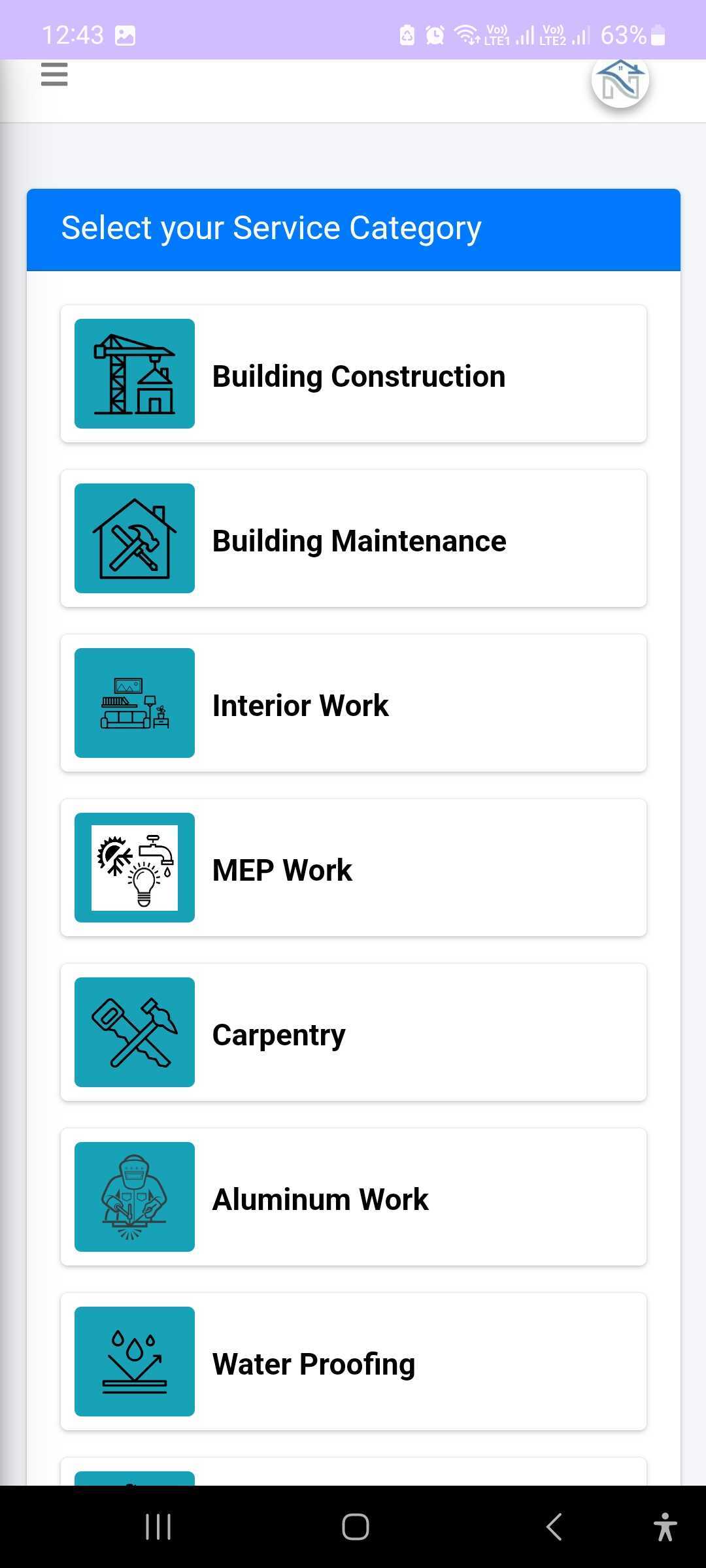
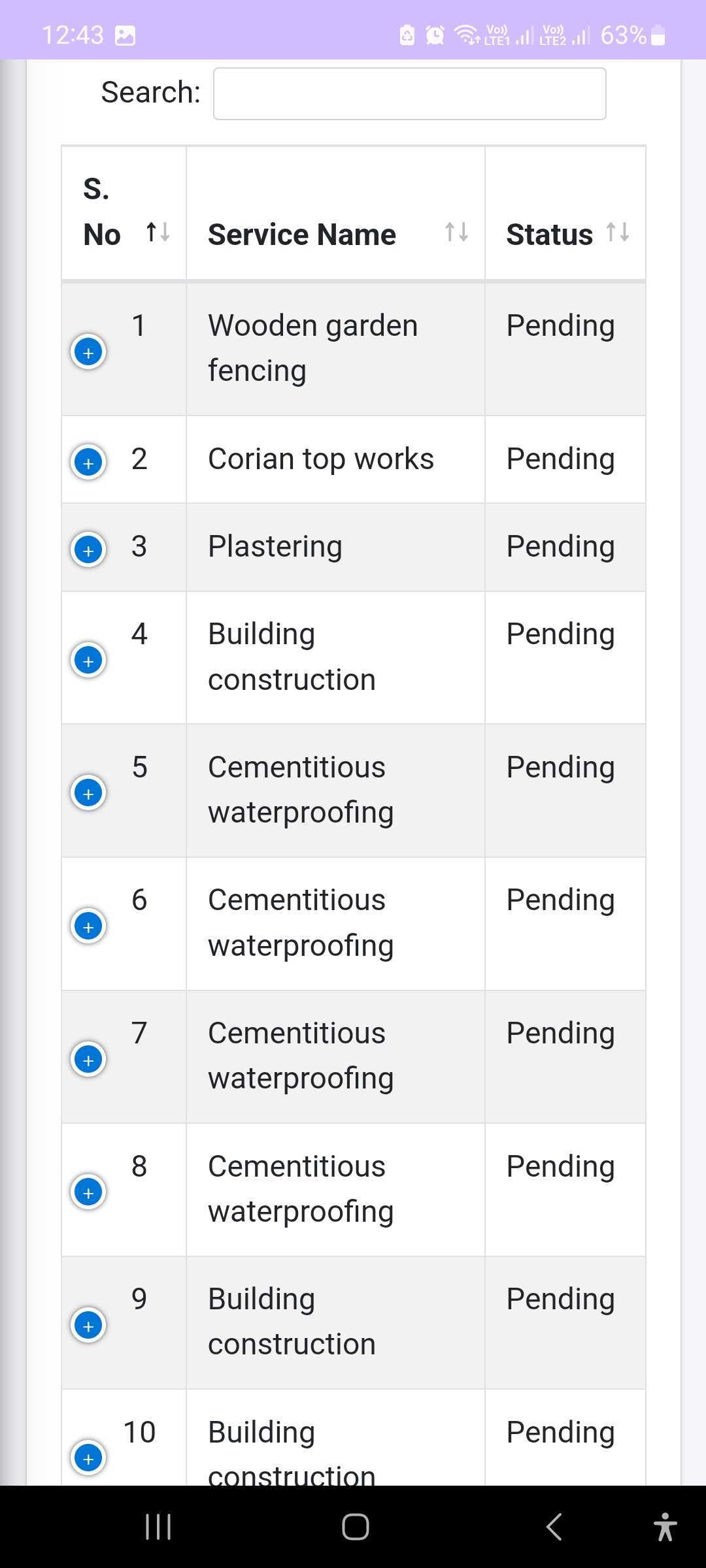
Step5: If you want to book a service you have to click on to the page there you have to enter your details from there you can view which one you want to book in the booking section many options will be there aluminium work, carpentry, steel fabrication etc.
Step 6: After booking these details you can preview your order then a message will be sent automatically to your mobile. If you want to cancel order you can again go back to the bookings page and a order will be cancelled then you can book a new order.
Step7:Then after doing all these steps you have to log out from this site. So these instructions will help the customer to use this app through this support page.